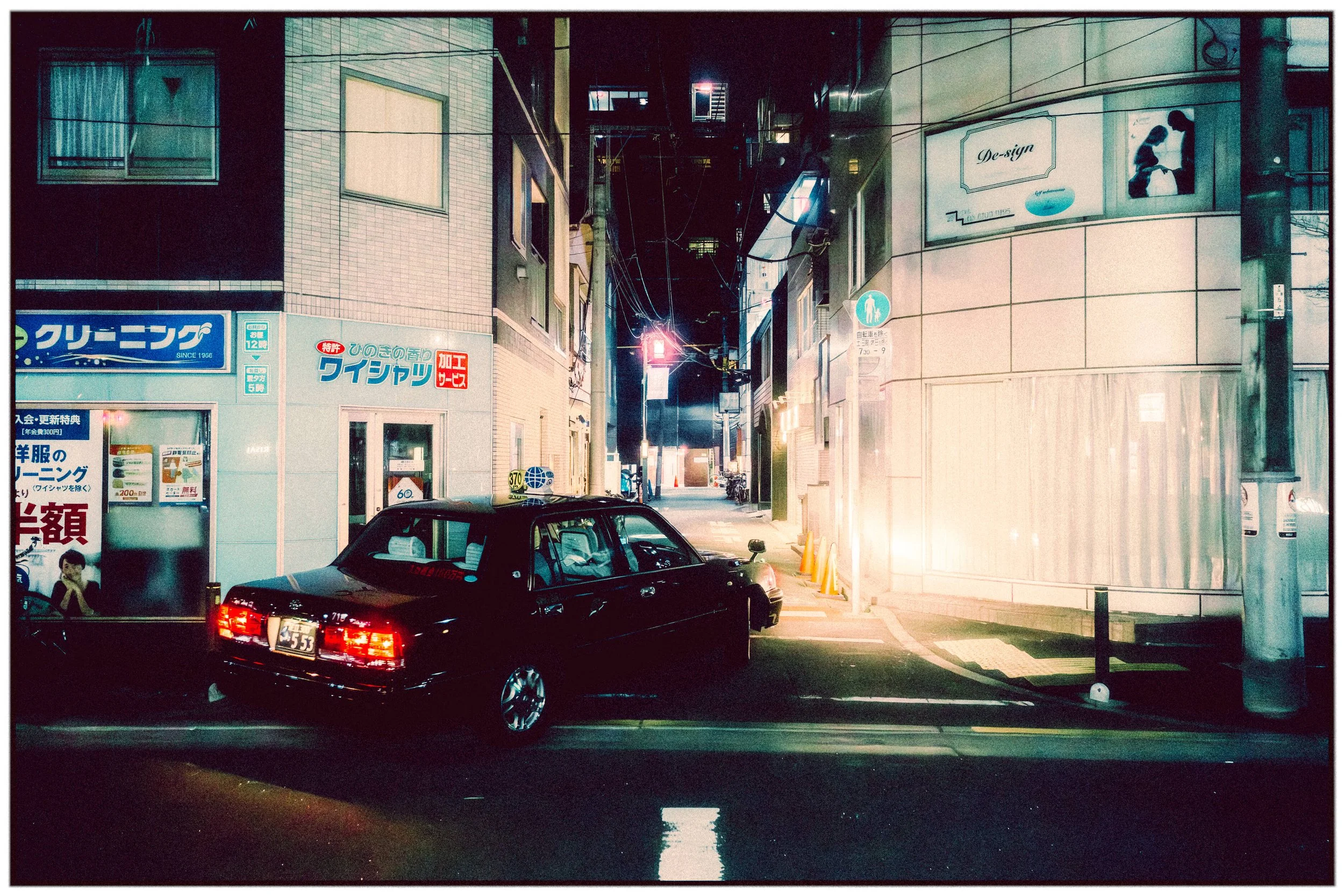
Introducing

HALATIONLAB
HalationLab is a simple “Edit In” companion app for Lightroom Classic that adds accurate film halation to your images. I previously offered halation brushes, but they never really delivered the look. Lightroom doesn’t have a true halation tool, and while you can fake it with masks, glows, or local adjustments, it never behaves like real film where bright highlights bloom and bleed color into the surrounding areas.
HalationLab is built specifically for that look, targeting the brightest parts of the image and letting you dial the effect from warm orange to deep Cinestill-style red.
The workflow is simple: in Lightroom Classic, choose Edit In → HalationLab, adjust the effect with familiar sliders, then either export anywhere or save the edited TIFF straight back into your Lightroom catalog. This keeps the process streamlined inside a Lightroom workflow. Currently available for macOS only.
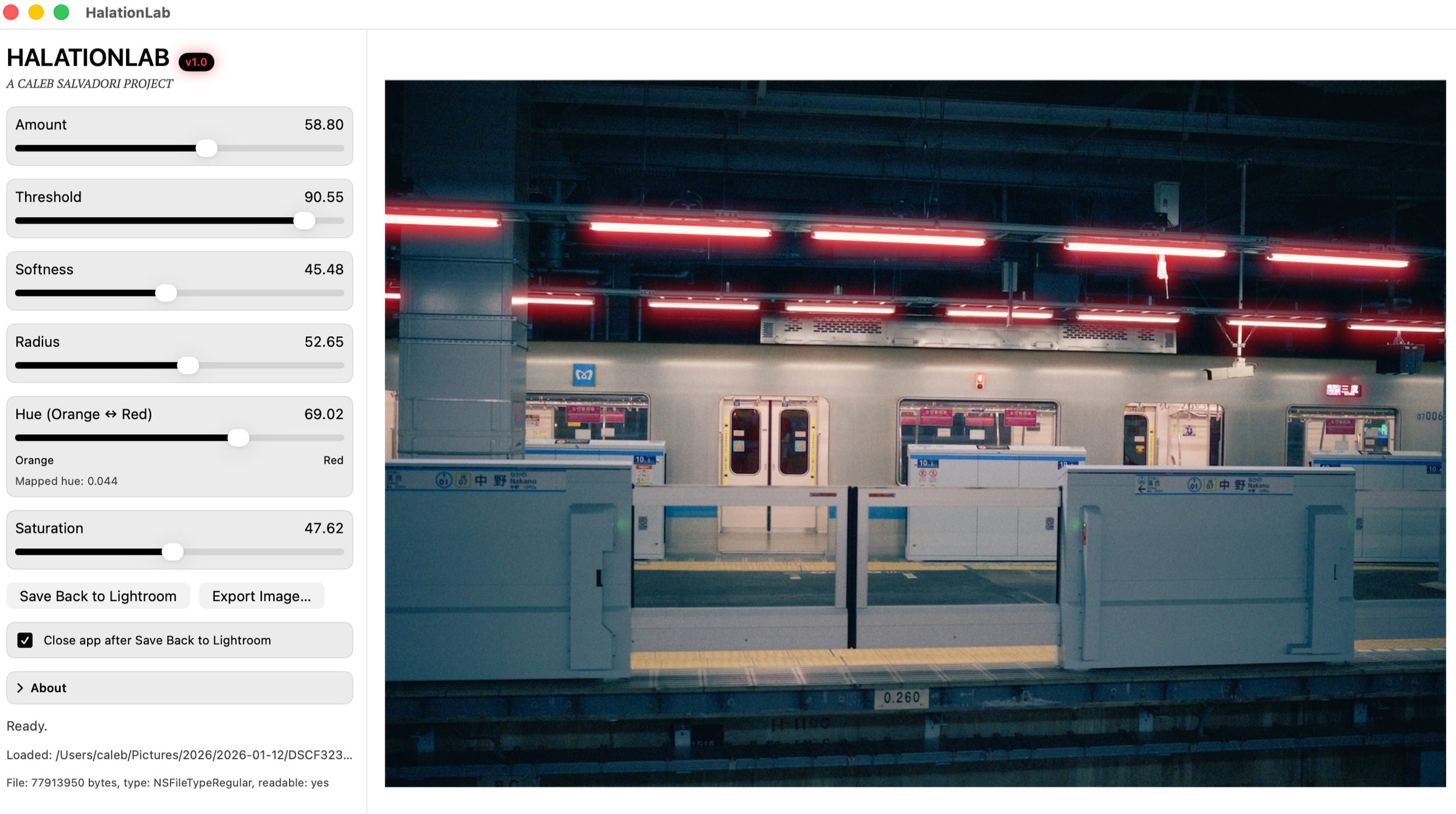
I designed HalationLab because the alternatives I tried never quite got the highlight accuracy right. Halation is a unique characteristic of certain film stocks that’s notoriously difficult to get perfect in digital post-processing. I wanted a tool that could replicate the effect accurately, capturing that precise, warm glow without compromising the integrity of the highlights.